PDF Text Editing Solution Based on PDF.js: Pure Frontend SDK, Cross-Platform, Framework-Agnostic, Web-Native
Implementing truly usable PDF text editing in web applications has always been a technical challenge. ElasticPDF was created for this exact purpose—a pure front-end JavaScript PDF text editing SDK built on PDF.js. It is cross-platform, framework-agnostic, and requires no backend support, enabling professional-grade PDF editing directly within the browser.
Whether it is for a SaaS platform, enterprise intranet system, or application scenarios requiring private or offline deployment, ElasticPDF can cover all requirements with a single front-end codebase.
Official Website: https://www.elasticpdf.com
Video Demo: https://youtu.be/P9dg_olshzU
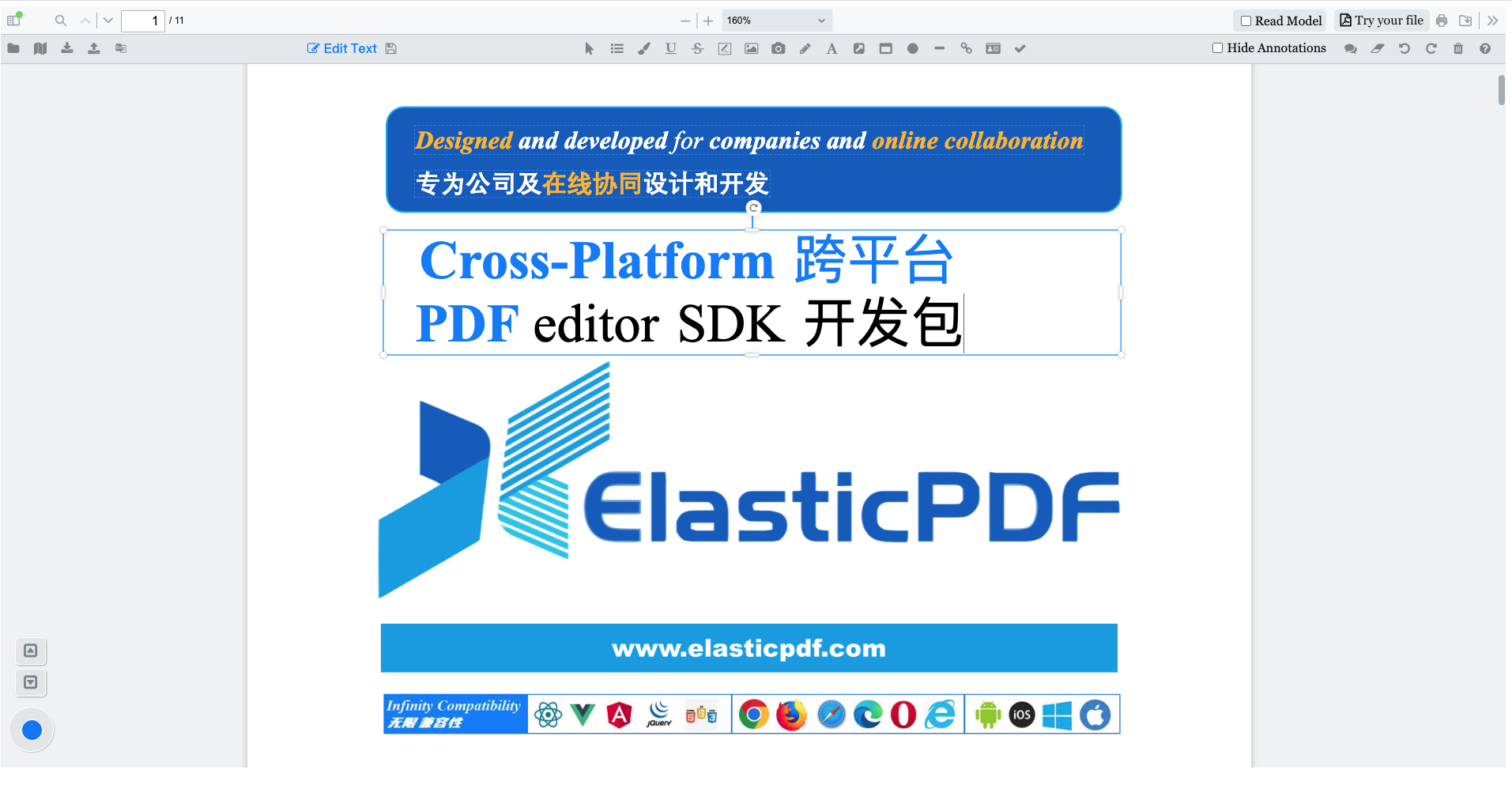
1 Edit PDF Text Like Word
1.1 Add, Delete, and Modify Text
all existing text content within a PDF, including:- Arbitrarily
deleting, replacing, and addingtext.
- Supporting paragraph operations such as carriage returns and line breaks.
- Supporting special text styles like
colored text, superscripts, and subscripts.
- Supports ASCII character input (English, etc.).
- Full support for non-ASCII characters such as
Chinese, Japanese, and Korean.
- Ideal for internationalized, multilingual PDF editing scenarios.
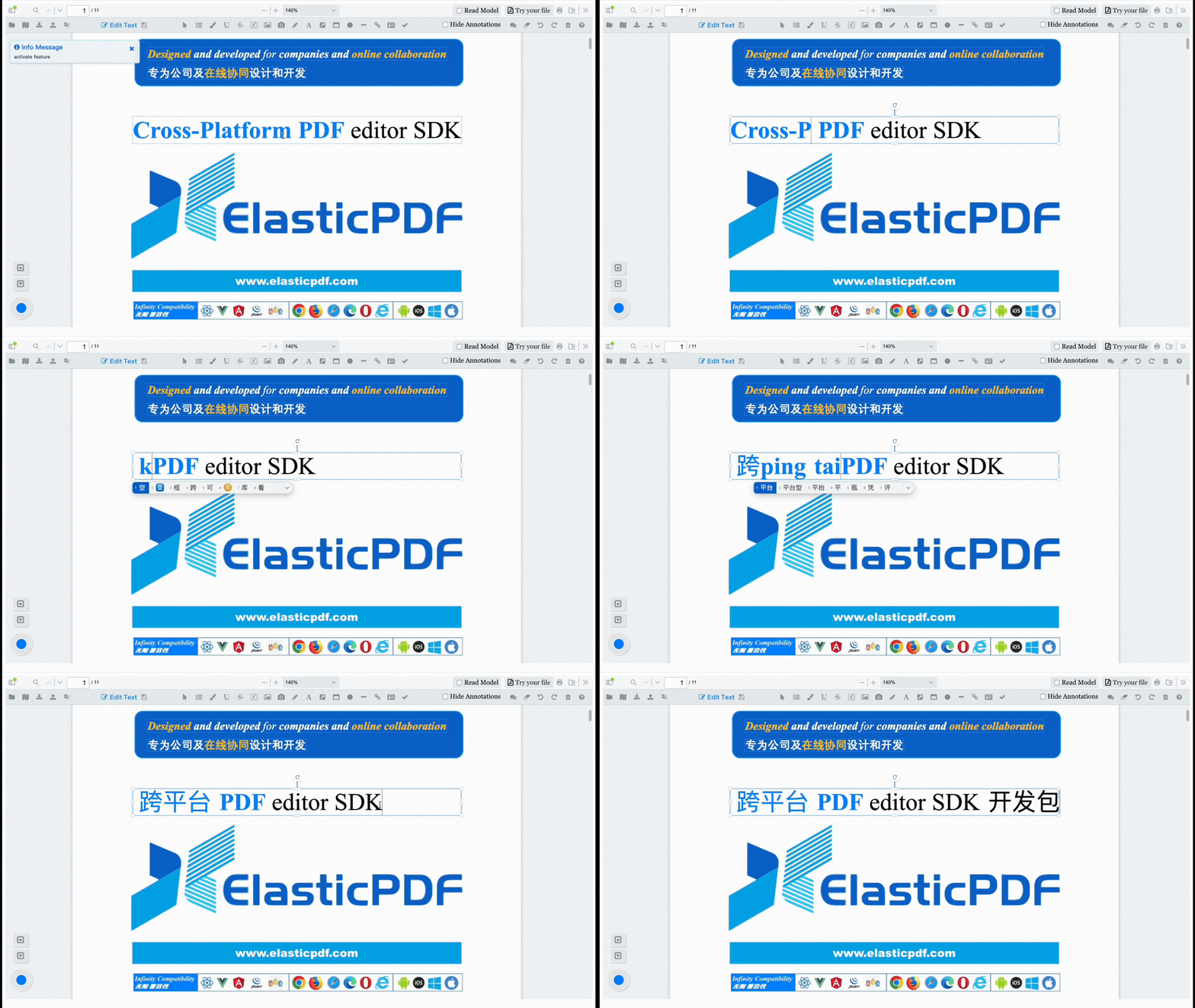
2 Intelligent Adaptive Text Layout
ElasticPDF provides adaptive text capabilities:
- Adjust text box sizes.
Automatically reformattext content.
Avoid overflow and misalignment—common issues in traditional PDF editing.
This ensures that PDF text editing is no longer a painful process of fine-tuning coordinates, but a visual and controllable experience.
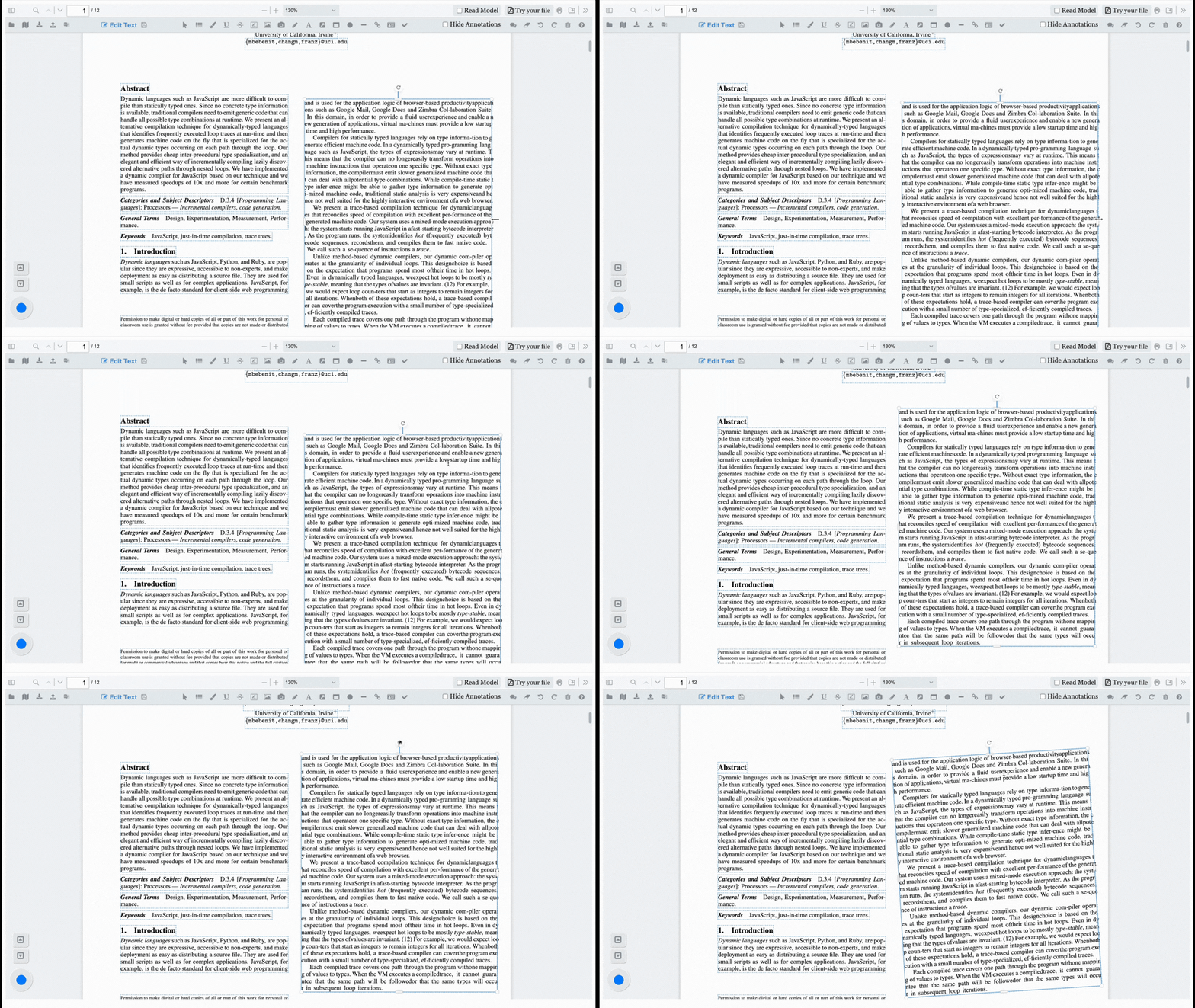
3 Support for Rotated PDF Text Editing
Editing rotated text in PDFs has always been a major difficulty for editors.
ElasticPDF supports:
Rotating PDF textat any angle and saving it.
- Editing
existing rotated text objectsat any angle.
- Full support for 90° / 180° / 270° and other special angle text.
Whether it's table titles, vertical text, or unique layouts, they can all be correctly parsed and edited.
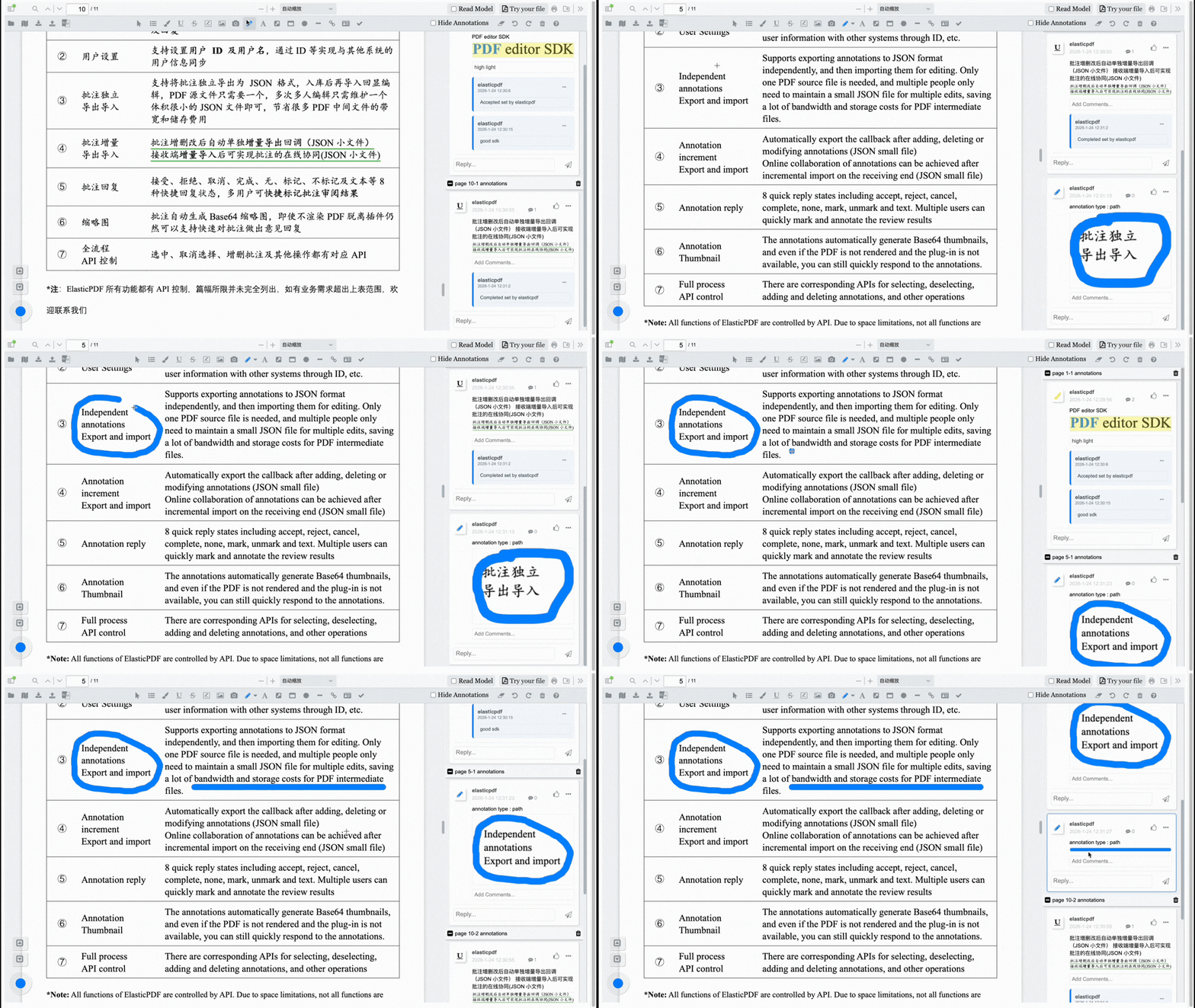
4 Built-in Professional PDF Annotation Features
In addition to text editing, ElasticPDF provides complete PDF annotation capabilities:
Highlight, Underline, Strikethrough.
Pen Tool, Signatures.
- Rectangular, Polygonal, and other graphic annotations.
- Support for parsing and editing
original annotations already in the PDF.
This makes ElasticPDF suitable for PDF scenarios involving review, markup, and collaboration.
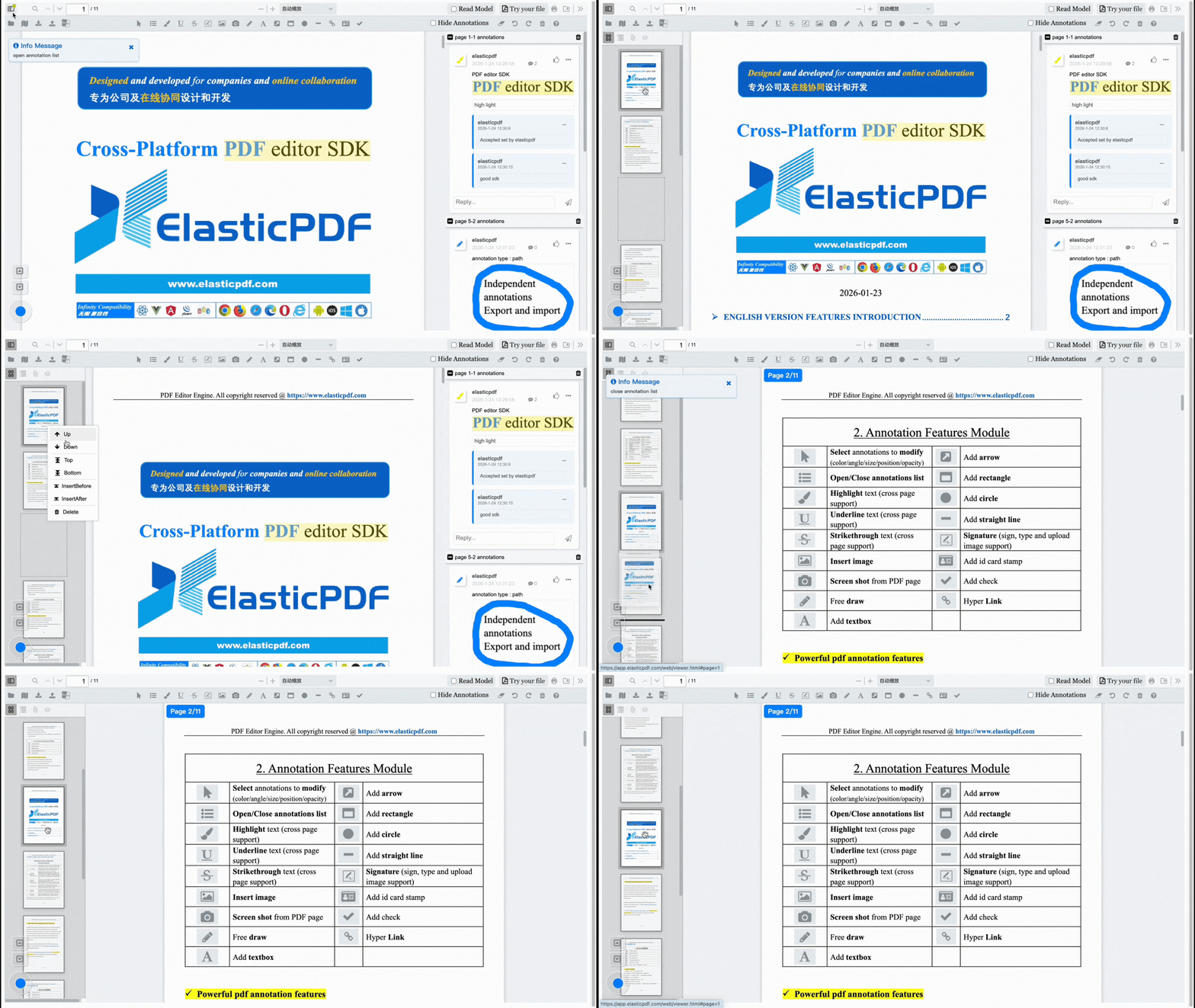
5 Visual PDF Page Management
ElasticPDF allows for more than just text edits; it supports visual operations for PDF pages:
- Move pages
Up, Down, Pin to Top, or Pin to Bottom.
Add or Deletepages.
- Extract specific pages to generate a new PDF.
This meets the needs of complex PDF page processing for contracts, reports, exam papers, and archives.
Summary
ElasticPDF breaks free from the constraints of servers and complex runtime environments, achieving almost all core PDF editing needs in a pure front-end environment. It brings PDF editing back to its simplest, safest, and most controllable technical form.
The SDK can be directly integrated into the following frameworks, allowing for write once, reuse anywhere—a single codebase covers all platforms:
- Vue
- React
- Angular
- Flutter
- Any front-end or hybrid application framework
If you are looking for:
- A PDF text editing SDK that is
non-SaaS dependent, with complete data sovereignty.
- A PDF editing engine that can be
privately, offline, or intranet deployed.
- A solution that gives you a competitive edge in both cost and capability.
Then ElasticPDF is worth exploring further. Welcome to contact us for product demos and integration solutions.


评论
发表评论